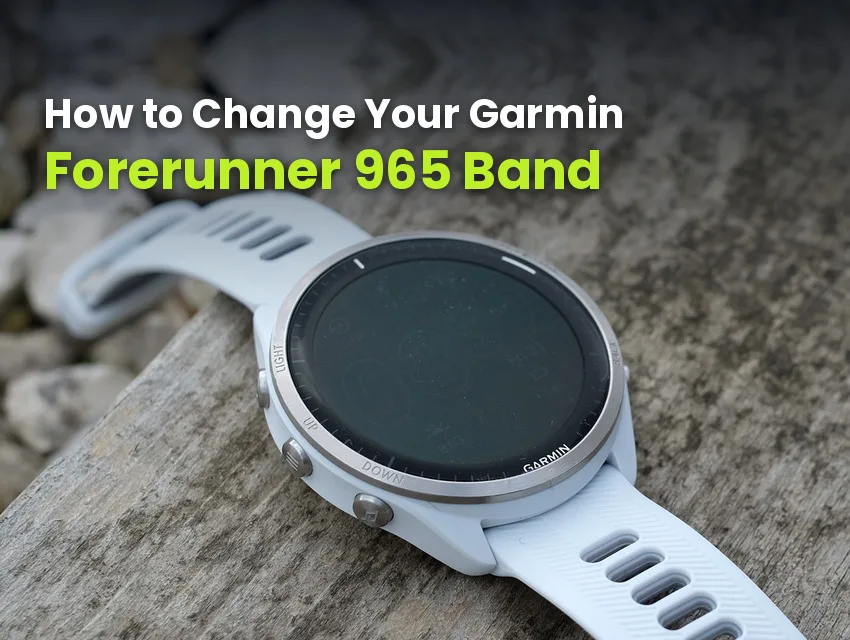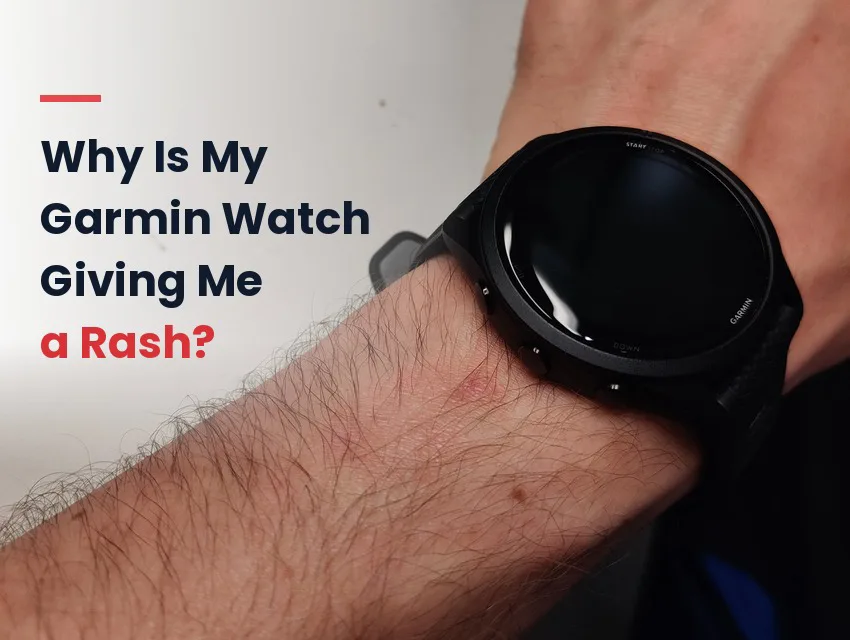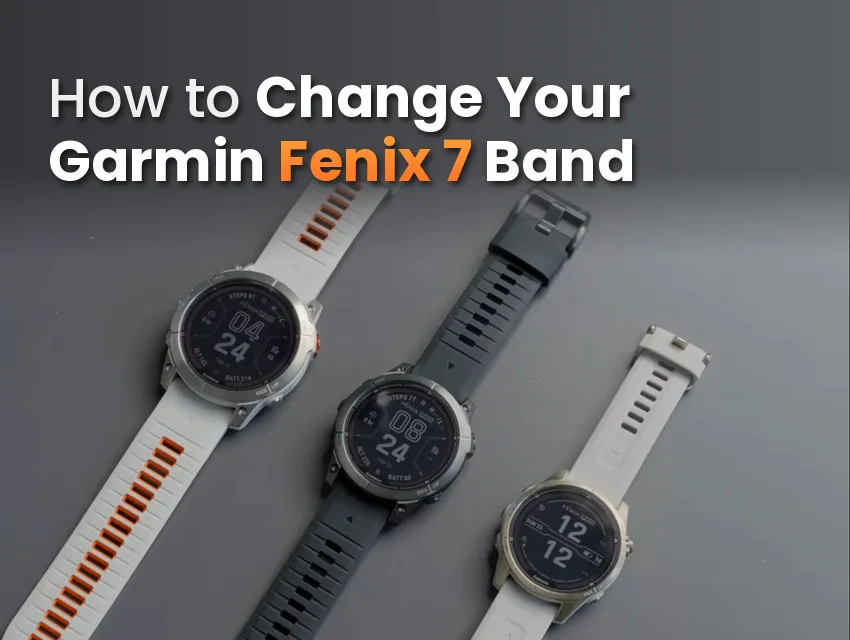
Most Garmin bands don’t die of old age. They let go mid-run, mid-ride, or mid-swim, right when the watch is bouncing and sweating the hardest.
Garmin watches like the Forerunner 265, Instinct 2, and Venu 3 ship on a silicone watch strap out of the box, and they have a few key weaknesses. These weak points aren’t unique to silicone, but they’re what wears a rubber strap down over time.
Garmin watch bands break in three spots: the connector or QuickFit clip, the keeper loop, and the band body itself as UV and sweat wear it down.
Each spot fails for its own reason, and each one has a fix that matches.
Key Takeaways
- Garmin bands fail in three places: the connector or QuickFit clip, the keeper loop, and the band body from UV and sweat.
- The keeper loop stretches out and snaps, the strap’s buckle holes can tear, and the plastic QuickFit clip can crack, usually between 15 and 18 months of daily wear.
- A connector that doesn’t lock or sit flush is the fastest way to drop an expensive watch mid-activity.
- Rinsing after sweat, rotating two bands, storing out of the sun, and a correct fit prevent most breaks.
Why Garmin Bands Break
A Garmin band breaks because three different parts wear out in three different ways.
There’s a high-stress joint at the case, an aging keeper loop that stretches every day, and a rubber body that dries out under sun and sweat.
| Failure point | What breaks | Why |
|---|---|---|
| Keeper loop | The loop stretches out, then snaps | Daily tension plus UV and sweat break the material down until it gives way |
| Band body | The band splits, cracks, or turns brittle | UV, sweat, and chlorine dry out and degrade rubber over months |
| Connector / QuickFit clip | The clip or spring bar that holds the band to the case | The joint bends with every wrist movement, and a connector that no longer locks works loose until it lets go |
None of these failures are random. Each one is a predictable wear point that shows up with enough hard use, so here’s what happens at each spot.
Keeper Loop and Buckle Hole Wear
The keeper loop is the small band that holds the loose tail in place after you fasten the watch. It stretches a little every time the band goes on and comes off, and UV and sweat break the rubber down on top of that, so the loop slowly stretches out and eventually snaps.
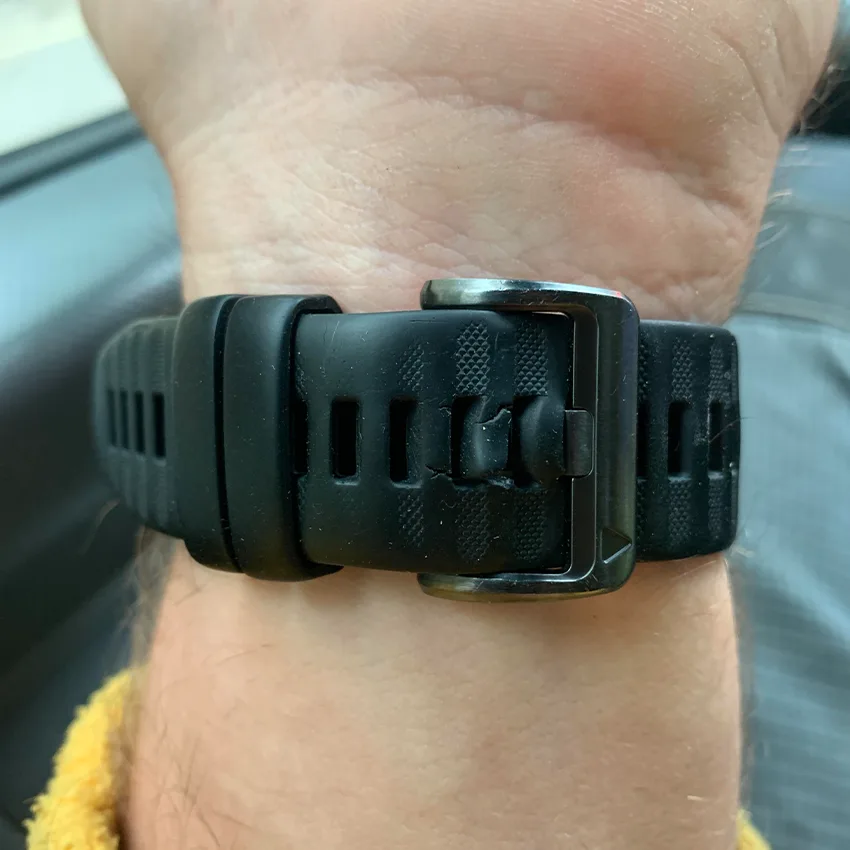
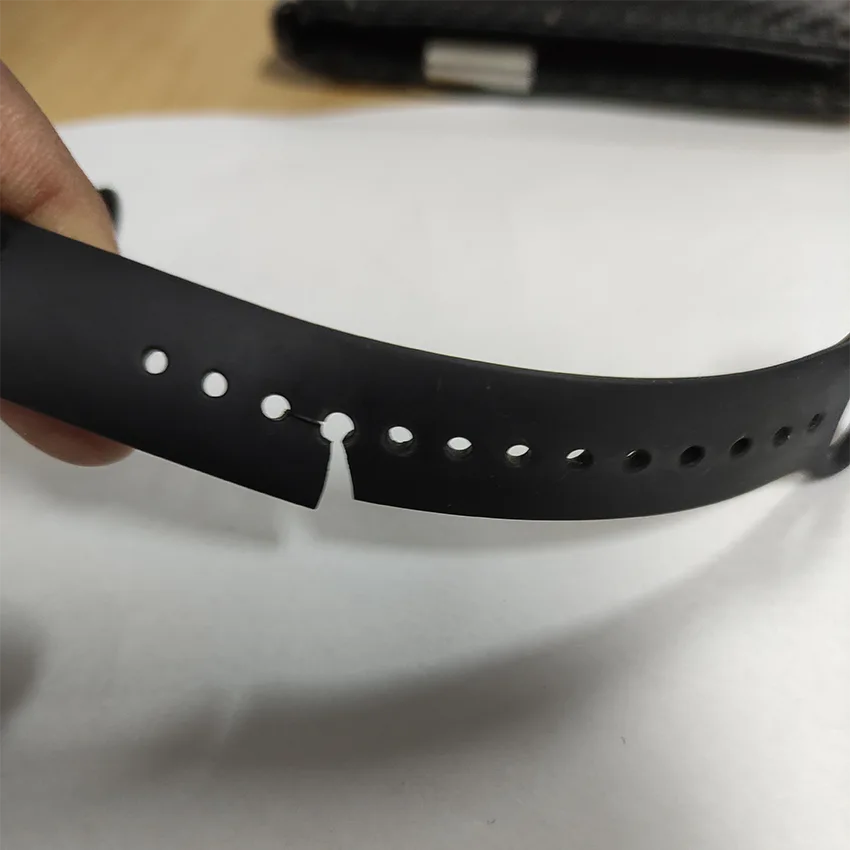
The buckle holes that the pin passes through take stress too, and on an aging strap they can crack or tear at the edges. Most owners see this around a year and a half of daily use.
UV, Sweat, and Chlorine Degradation
If you’re an active Garmin user, you likely want to use a silicone or FKM rubber watch strap to keep up with your activity level.
While it is typically a durable, safe option, standard silicone can eventually dry out and stiffen when exposed to a lot of sun and sweat.
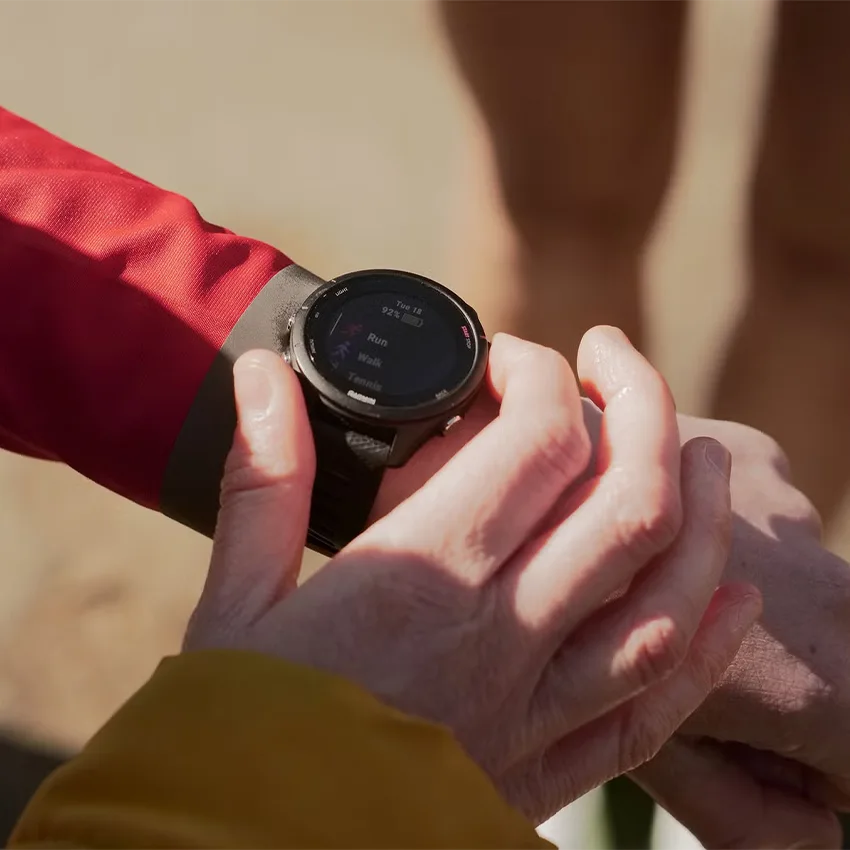
Sweat and pool chlorine speed up the cracking at the stress points, like the lugs and the keeper. A brittle band splits long before it should, and it usually goes at the worst moment.
The QuickFit Clip and Connector Snap
The band-to-case joint takes more stress than any other part on an active wrist. Every step, rep, and push-up strains it.
When it fails, the watch doesn’t just lose its band, it hits the ground. That’s what makes the connector the costliest failure on the list.
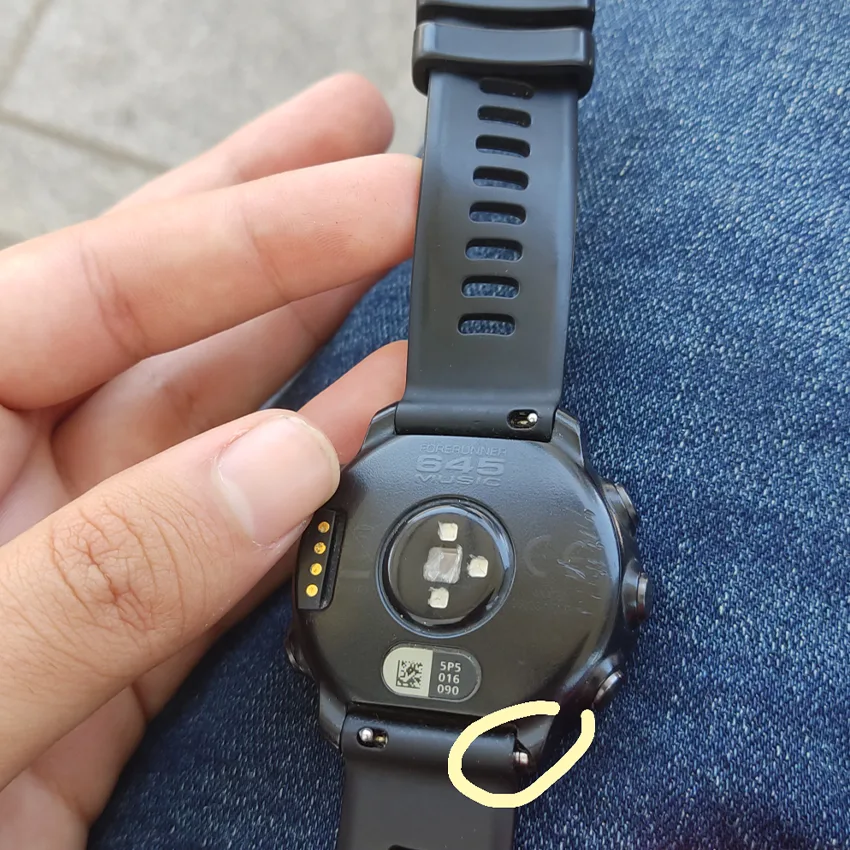
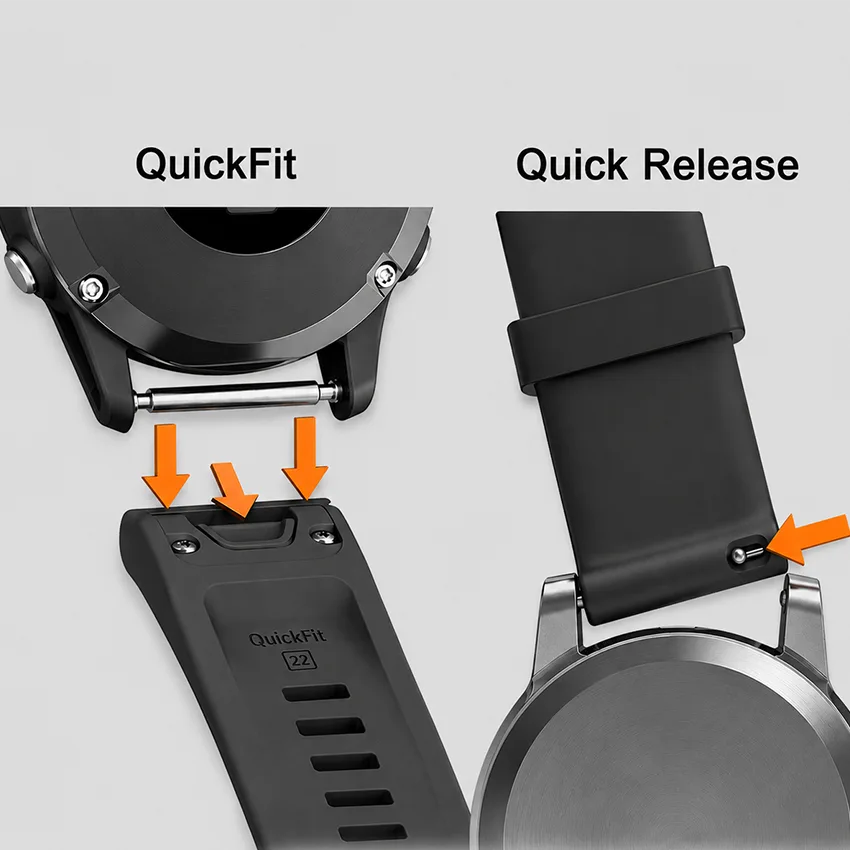
Garmin uses two connector styles, and both wear out at the joint.
QuickFit watches like the Fenix 8 and Fenix 7 Pro use a molded plastic clip that locks onto the lugs, and that plastic is what cracks with age and flex.
Quick-release models like the Forerunner 265 and Venu 3 rely on a spring bar held by tension in the lug hole. With silicone bands, the rubber can crack near the metal lugs and eventually break off, or the hardware can fail by bending or popping out.
A poorly made connector can feel fine on day one, then stop seating the way it should. Play creeps in at the lugs, you feel a small wobble, ignore it, and a week later the band pops off.
How to Prevent a Garmin Band From Breaking
Prevention is simple once you know what to look out for. Start with the right material, the correct fit, a connector that actually locks, and finish with a little care.
Choose a Material Built for the Abuse
The material that you choose for your smart watch can be a game changer.
Silicone rubber watch straps are soft and water resistant, but they can become tacky and attract dust over time. They also wear out faster under the sun and when exposed to sweat and chlorine. Silicone is fine for light, low-sweat days, but if you train hard, pick the tougher material.
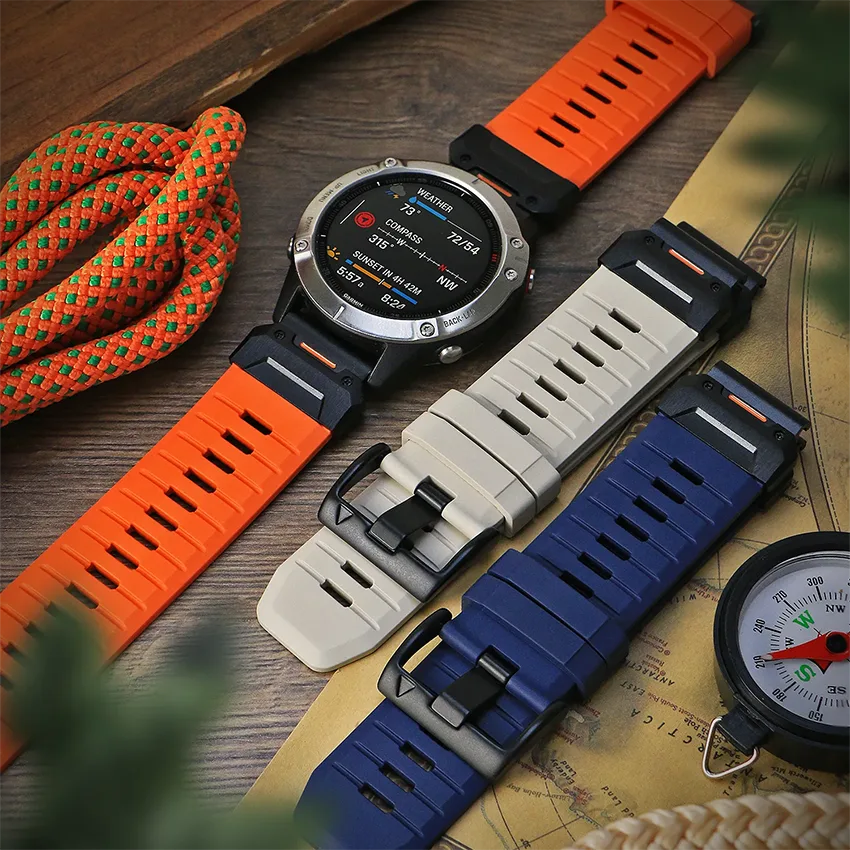
DuraFlex Elite FKM is the upgrade. It’s a genuine fluoroelastomer, or FKM, not rebranded silicone. It resists the UV, sweat, and lint that dry out and crack standard silicone. It also repels water better than standard silicone.
Whichever watch strap you choose, the material should be comfortable and suit your lifestyle and needs.
Get the Size and Fit Right
Fit does more damage than people expect. A too-tight band stresses the lugs and connector every time your wrist flexes. A too-loose band lets the watch swing and shock-load the joint on impact. Match the lug width and the length to your model and your wrist, and the whole band lasts longer.
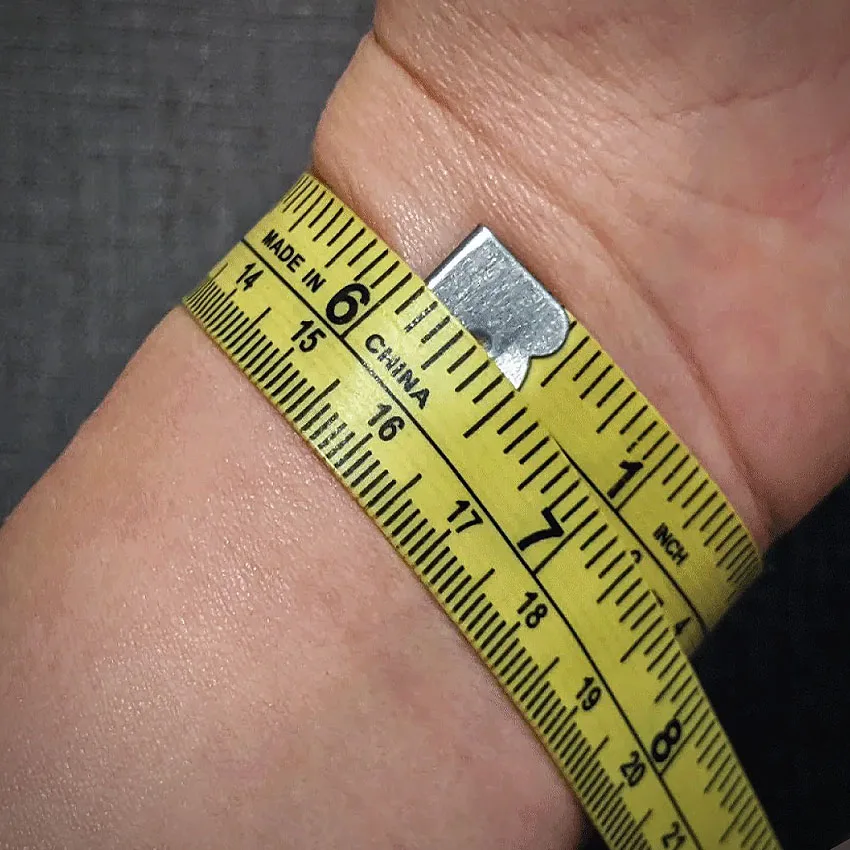
Measure your wrist and choose a length that isn’t too tight and doesn’t leave excess tail. StrapsCo bands come in multiple lengths, so you can dial in a snug wrist fit.
Buy a Connector That Actually Locks
It’s important to select a connector that fits properly and won’t disconnect. A joint that doesn’t lock is the real risk for your device.
For QuickFit watches, get a quality QuickFit 22 replacement band that attaches the way the original does. For standard quick-release models, a good spring bar with a working release lever holds well.
A secure fitting clicks fully home and sits flush against the case, holding under load whether it’s QuickFit or standard quick-release. The buckle should be solid 316L stainless steel so it won’t bend or wear at the pin, and a snug band helps too, since it keeps the joint from flexing hard at every step.
On select models, a metal connector can hold firmer than plastic and take hard flex better. If your watch supports it, metal Garmin bands for select models are worth a look for a more secure joint.
Rinse, Rotate, and Store Out of the Sun
Care is the cheapest prevention there is.
Remove and rinse your Garmin watch strap after heavy sweat, swimming, or chlorine so salt and pool chemicals don’t sit on the rubber. You can also do a more thorough clean every once in a while to remove buildup. Deeper clean techniques for watch bands vary by material.
When letting your watch band dry, keep it out of direct sunlight to slow down yellowing or stiffening. If you own more than one watch strap, rotate which band you wear to avoid constant exposure to UV and sweat.
When to Replace a Band Before It Fails
Catch a failing band early by checking three spots: the keeper, the lugs, and the surface of the band. A quick look each month is all it takes on a watch you wear regularly.
Warning Signs at the Keeper and Lugs
Look for the keeper stretching out or splitting, tearing at the buckle holes, or cracks around the lug pins. Check whether the connector feels loose, clicks less firmly than it did new, or no longer sits flush against the case. Watch for surface stiffening, chalky patches, or small splits in the band body. Any one of those means the band is on its way out.
How Often to Swap
Inspect the keeper and lugs about once a month on an active Garmin watch. Plan to replace a heavily used silicone band before the 18-month mark, when the rubber tends to become more brittle. A worn keeper is most likely a comfort and tidiness issue, but a loose connector or a cracking lug is the one that can cost you the watch, so give those the closest look.
The Fix Matches the Failure
Garmin bands can break at the connector, the keeper, and the body, and the fix for each is the right material, a connector that locks, a little regular care, and a correct fit.
Get those four right and the band stops being a threat to an expensive watch. When it’s time to replace one, browse our Garmin band collection for something built to hold up.
Which spot has failed on you first: the clip, the keeper, or the band? Tell us in the comments.
Frequently Asked Questions
Why do Garmin QuickFit bands break at the keeper loop?
The keeper loop takes tension every time you fasten and unfasten the band, and UV and sweat break the rubber down on top of that. Over time the loop stretches out and snaps. Owners often see this around 18 months of daily use.
Can a poorly made aftermarket band damage or lose my Garmin watch?
Yes, if the connector doesn’t lock. The issue is quality, not price: a well-made band at a fair price locks just as securely. A fitting that doesn’t sit flush or lock like the original can work loose over weeks, and on a hard impact or flex the watch can drop. Look for a connector that clicks fully home and holds under load.
Does FKM last longer than silicone on a Garmin band?
In active use, yes. DuraFlex FKM resists the UV, sweat, and lint that dry out and crack standard silicone. It sheds salt water and sweat with a plain water rinse. Silicone is fine for light, low-sweat wear, but it ages faster under sun and salt, so it cracks sooner at the keeper and lugs.
How often should I replace a Garmin watch band?
Inspect the keeper and lugs monthly on an active watch. Plan to replace a heavily used silicone band before the 18-month mark, when the rubber tends to go brittle. A quick monthly check catches a failing band before it fails on your wrist.